End-to-End Encrypted · Forward Secrecy · Post-Quantum Safe · No Censorship

Only for those who know the passphrase.
Talk, then leave without a trace.

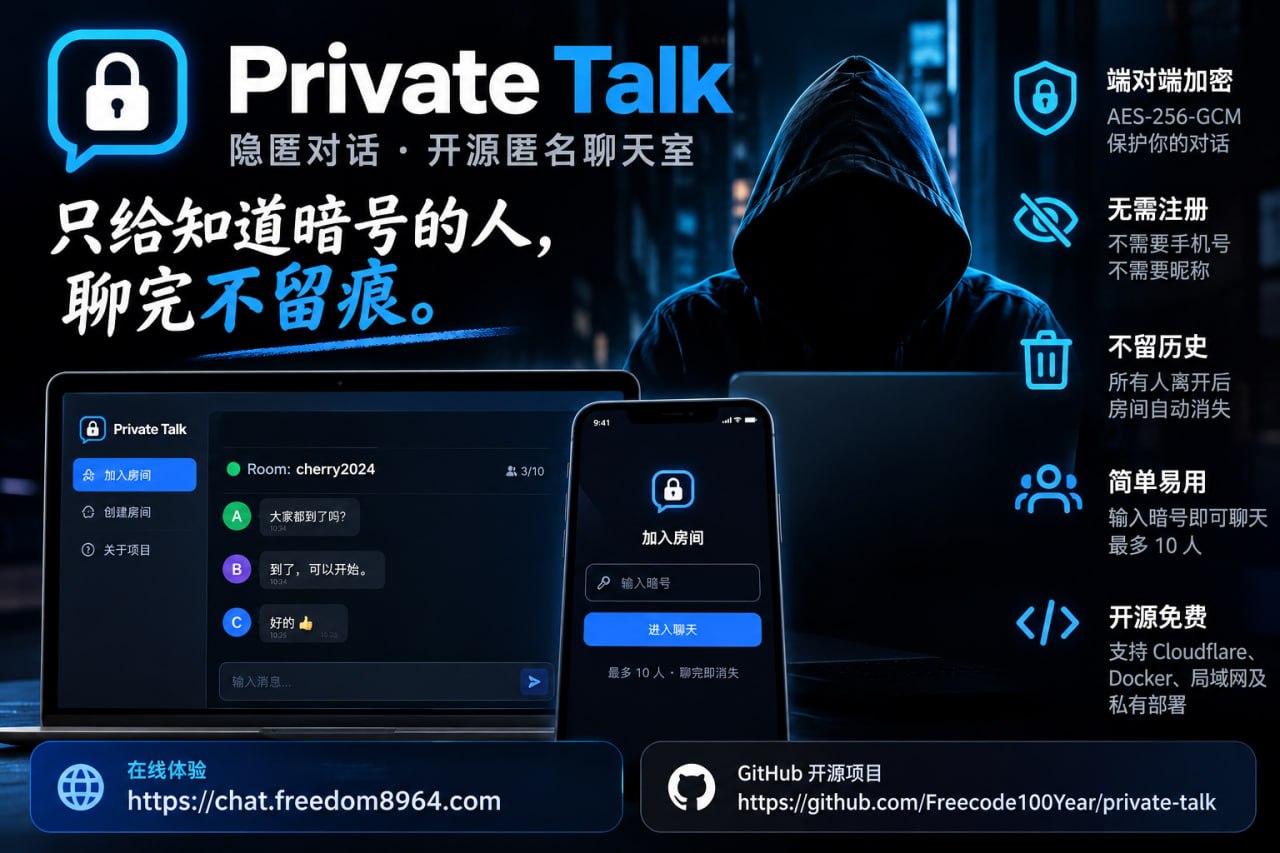
No accounts, no phone numbers, no nicknames. Messages are encrypted inside your browser; the server only passes on ciphertext it cannot read, keeps no messages, and writes no logs. Open the link, type the passphrase, and enter your room.

Private Talk Banner
Core Principles

Four Core Principles

No accounts, no friction. Privacy by technical design, not by promises.

🛡️

Private

No account, no phone number, no nickname. Messages are encrypted in the browser; the server only passes on ciphertext it cannot read, keeps no messages and writes no logs.

⚡

Simple

Open the address, type the passphrase, and you are in the same room. No app to install; works across phones and computers.

🕊️

No Censorship

No keyword filters, no moderation, no reporting or banning, no back doors. The server cannot read messages and judges nothing by content. Limits exist only on room size, rate and length to prevent abuse.

🌐

Runs Anywhere

One-click on Cloudflare's free tier, one Docker command, an offline LAN, an intranet with no internet, even a single Android phone acting as a Wi-Fi hotspot server.

Quick Start

In 30 Seconds

Three simple steps to start a secure conversation anytime, anywhere.

1

Enter with your passphrase

Open https://chat.freedom8964.com/#your-passphrase. Opening the home page directly generates a random passphrase nobody can guess.

2

Share the address with friends

Send the address or the agreed passphrase to your friends. Links do not expire, and the passphrase is wiped from the address bar upon entry.

3

Chat freely, then close the tab

Everyone opening the same address joins the same room (up to 25 people). The host can lock the room. When everyone leaves, the room vanishes.

Passphrase Advice: A passphrase may use letters and digits of any language, without symbols. The longer, the safer. See the User Manual.
Privacy & Security

What Stays Private

Transparent security: exactly what each layer of the network can and cannot observe.

Who Can see Cannot see
The server operator Your IP address, when you are online, which connections share a room Messages, the passphrase, who you are
Someone watching the network
(ISP, Wi-Fi admin)
That you connected to this site Content, passphrase, room
People in the room The messages, and your seat number (1️⃣–🔟, then #11–#25) Who you are, your IP address

🔐 End-to-End Encryption & PFS

End-to-End Encryption: Keys come from the passphrase in the browser (PBKDF2 310,000 rounds → HKDF → AES-256-GCM). Messages are padded to fixed sizes before encryption so ciphertexts do not reveal length.

Forward Secrecy & Post-Quantum: Every participant creates an ephemeral key pair; every message uses a one-time key; when someone leaves, everyone rotates keys. Pairwise keys integrate ML-KEM-768 against future quantum decryption. Each message is signed, preventing seat impersonation, and a 20-digit safety code allows verification in person or by phone.

Nothing Kept, Few Traces: No accounts, no message history, no server logs. The room disappears when empty. No cookies, no local storage, caching is disabled, and the browser is instructed to clear site data upon closing.

🛡️ Tamper-Proof & Access Control

Encrypted Pictures: Compressed in browser, stripping GPS location and camera EXIF metadata, encrypted with one-time keys inside forward-secret frames.

Tamper Resistance & Host Control: Sender id, timestamp and counter are sealed inside ciphertext; the earliest entrant is the host, who can lock the room or remove disruptive participants.

No Passphrase, No Entry: The server requires an access hash derived from the passphrase; knowing the room address alone cannot seat a connection, lock the room, or post. The passphrase is in the URL hash fragment and is never transmitted over the network.
⚠️ What It Cannot Do (Please read carefully)

  • Anyone with the passphrase can enter and read subsequent messages. Short passphrases can be guessed; use random passphrases for anything sensitive. Invitation links do not expire. Rooms with older client versions will fall back to legacy encryption without forward secrecy (the page displays a notification).
  • The server sees IP addresses. To hide your IP address, use a VPN you trust or Tor.
  • It cannot prove who is in the room; other participants can take screenshots, take photos, or copy text. Third-party keyboards and compromised devices are beyond what any web page can protect. "Clear screen" only clears your own display.
  • The web page is delivered by the server: If the operator's account is compromised, the page code could be modified. A signed integrity manifest catches global modifications, but targeted attacks require the Android App or offline packages where code is pre-packaged locally.
For full security analysis, see Privacy & Security Design (docs/privacy.md).
Encrypted Gaming & UI

Games & UI Gallery

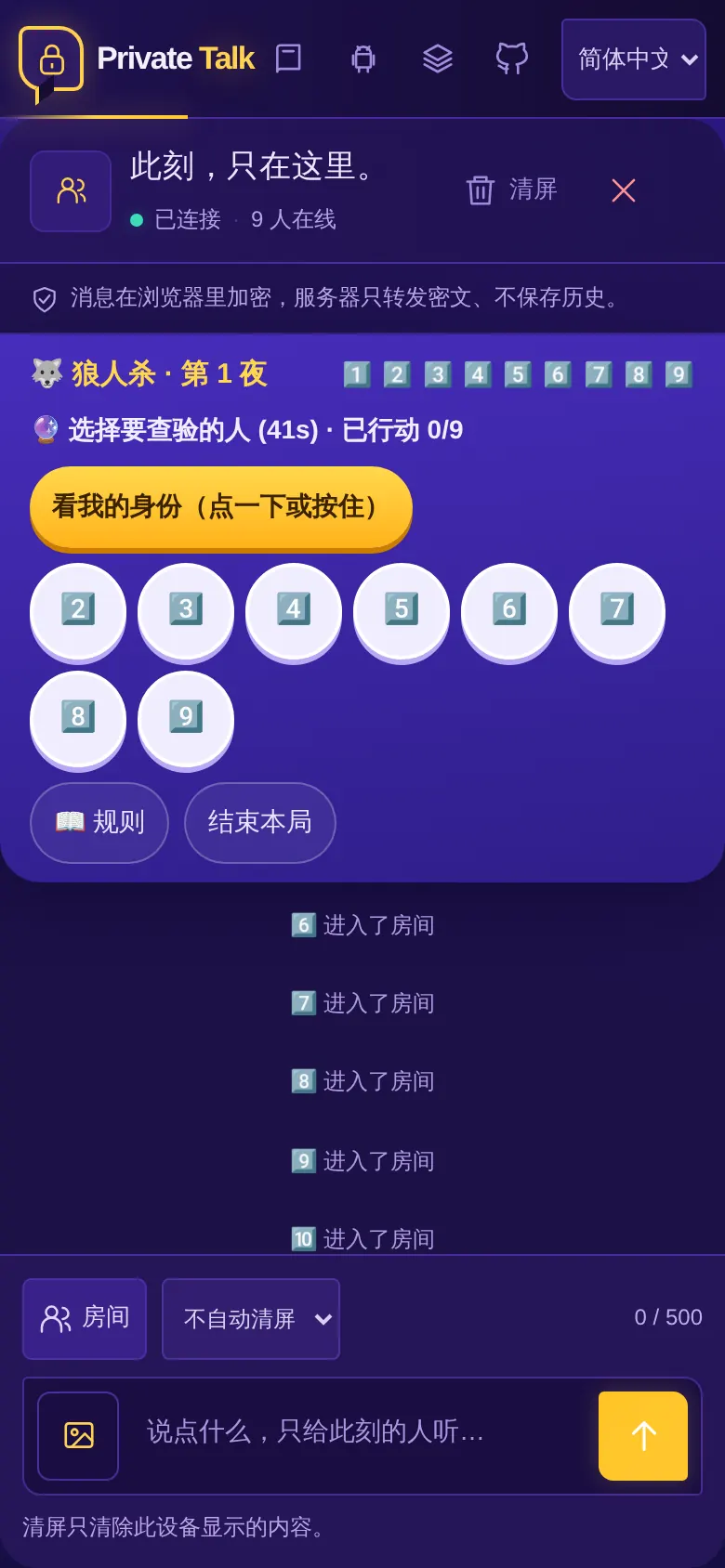
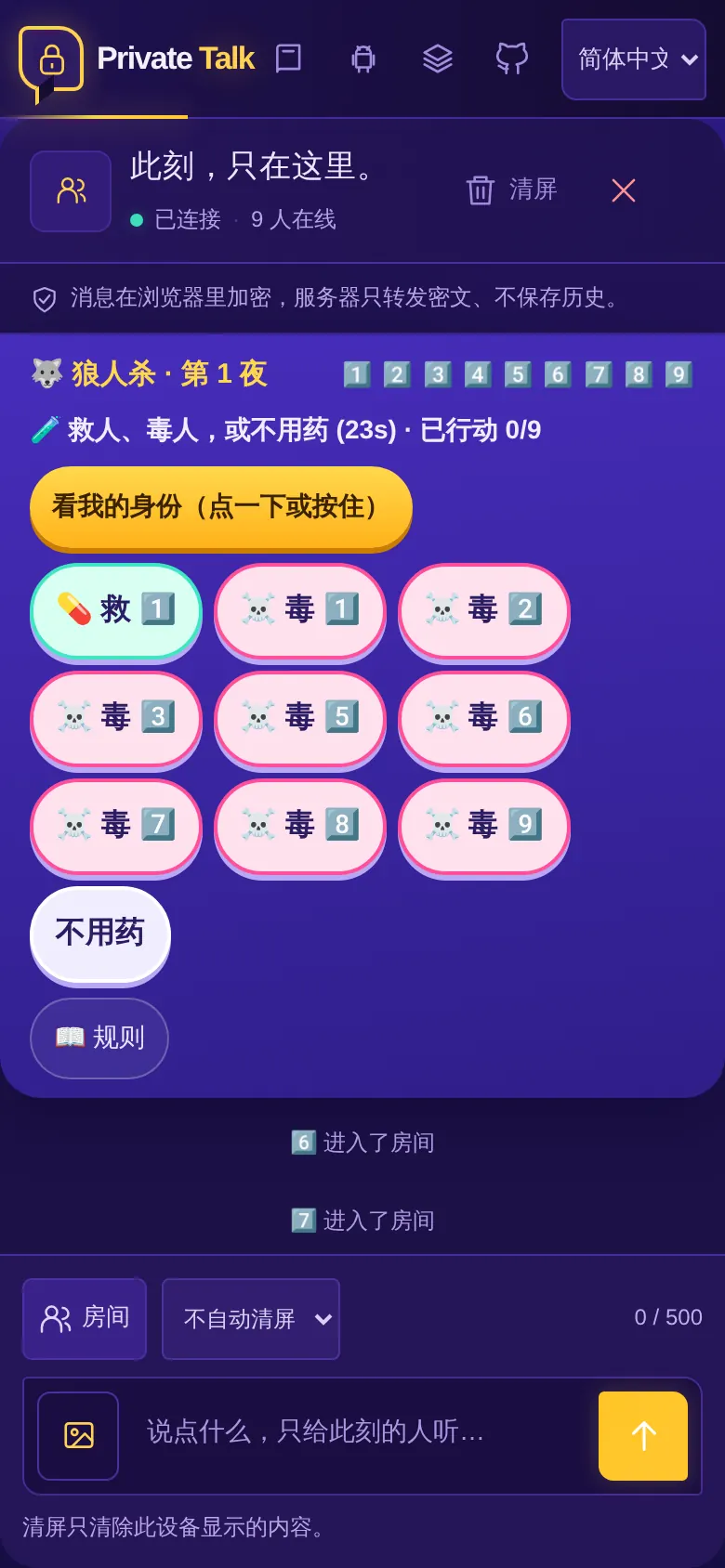
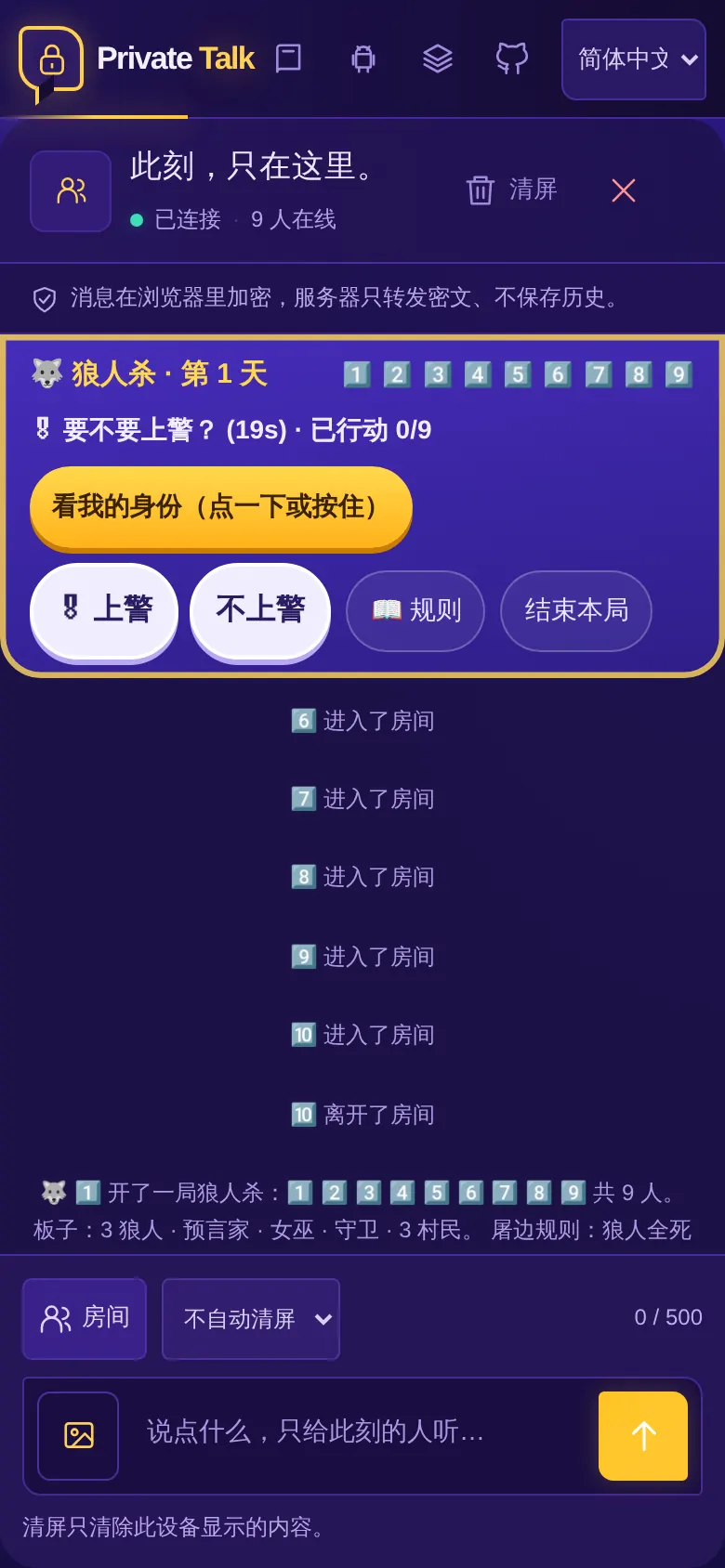
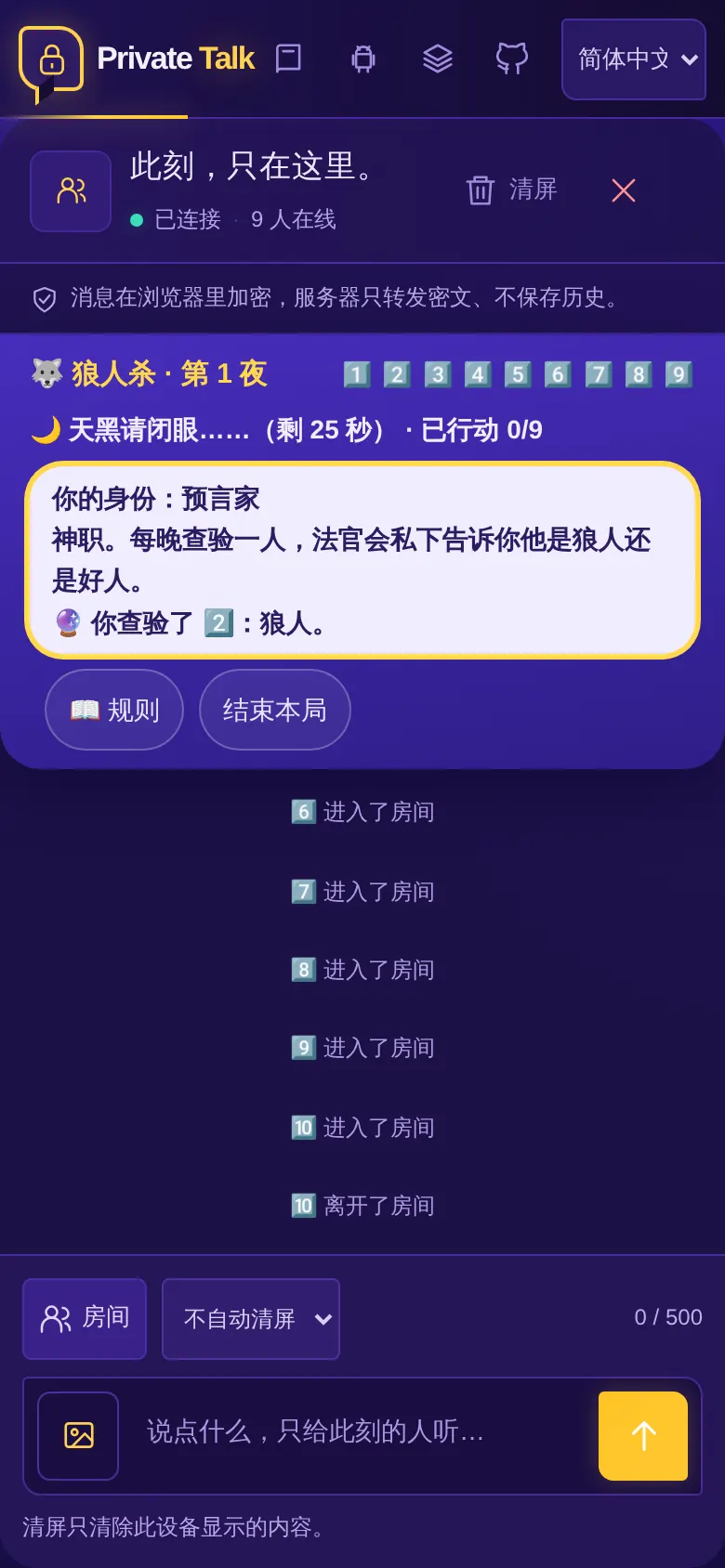
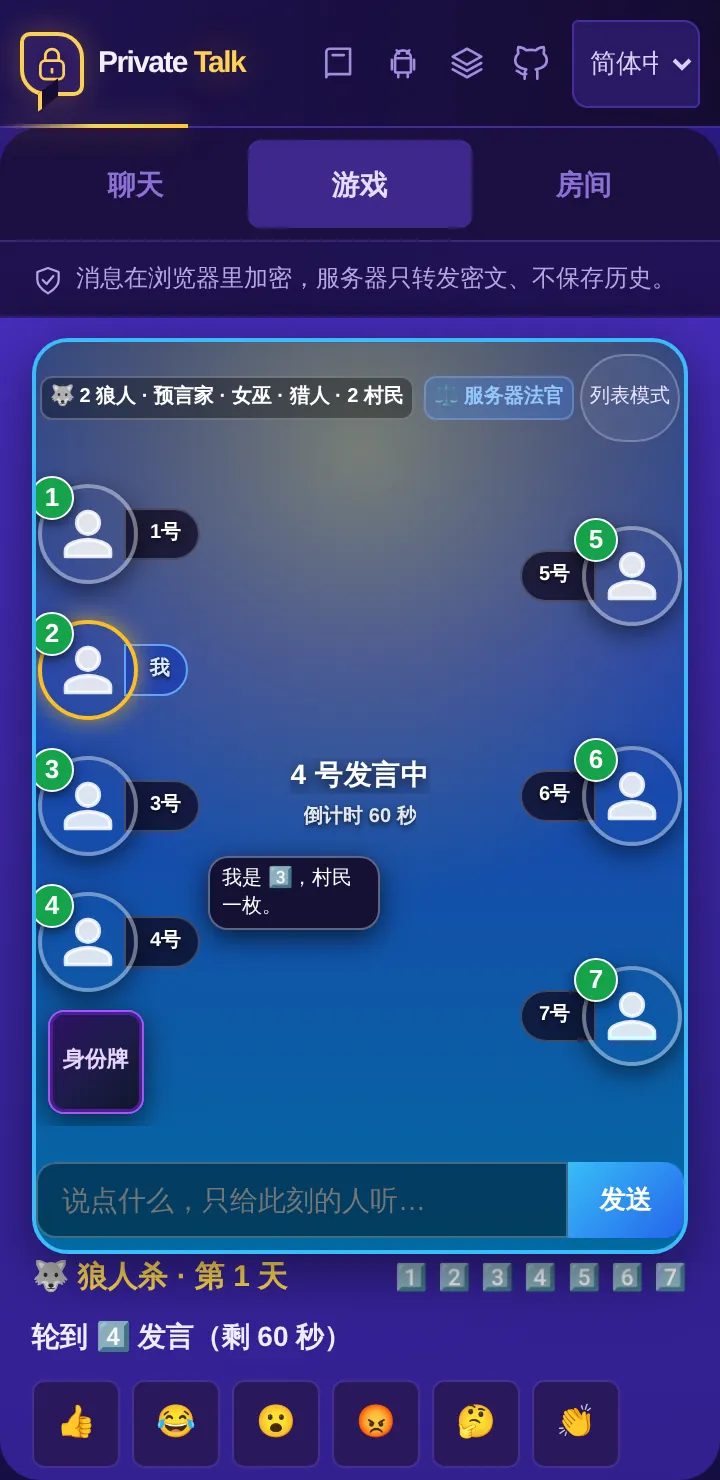
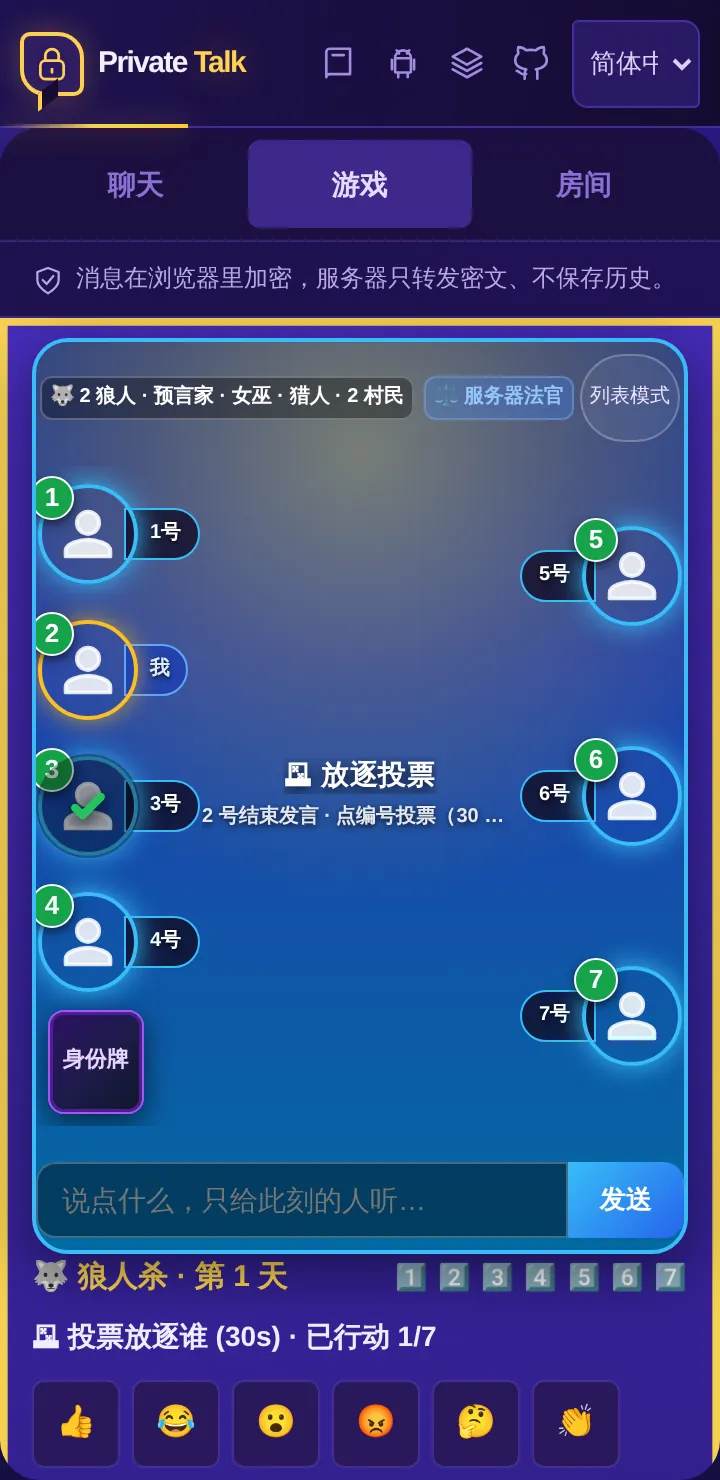
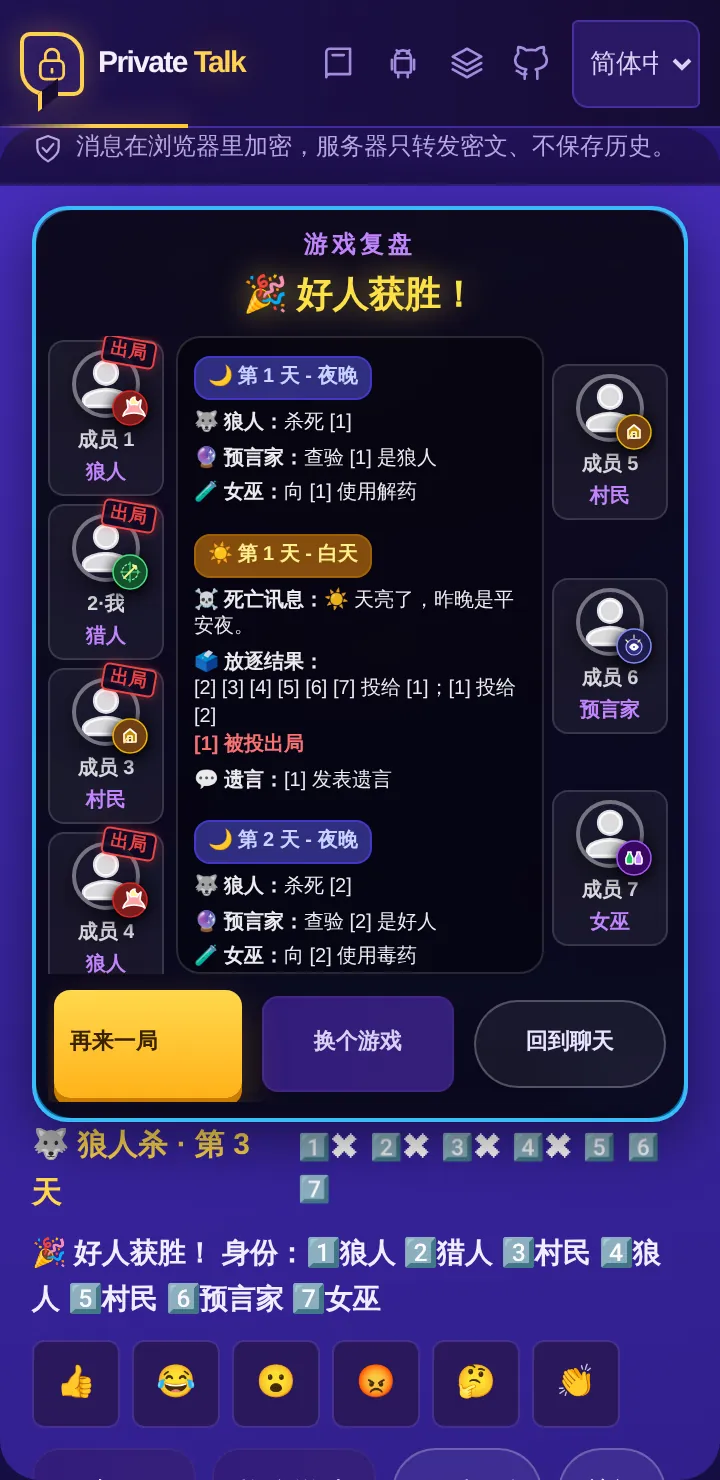
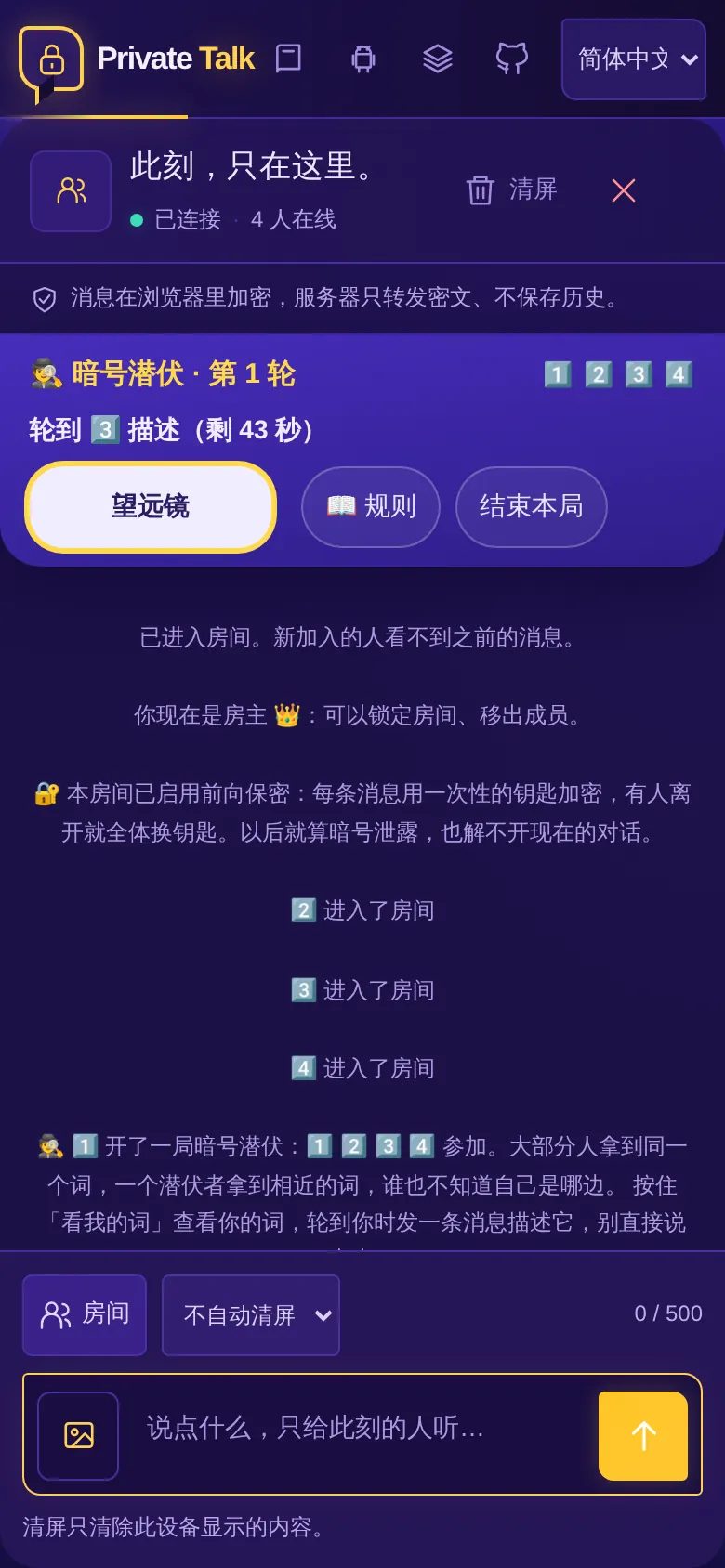
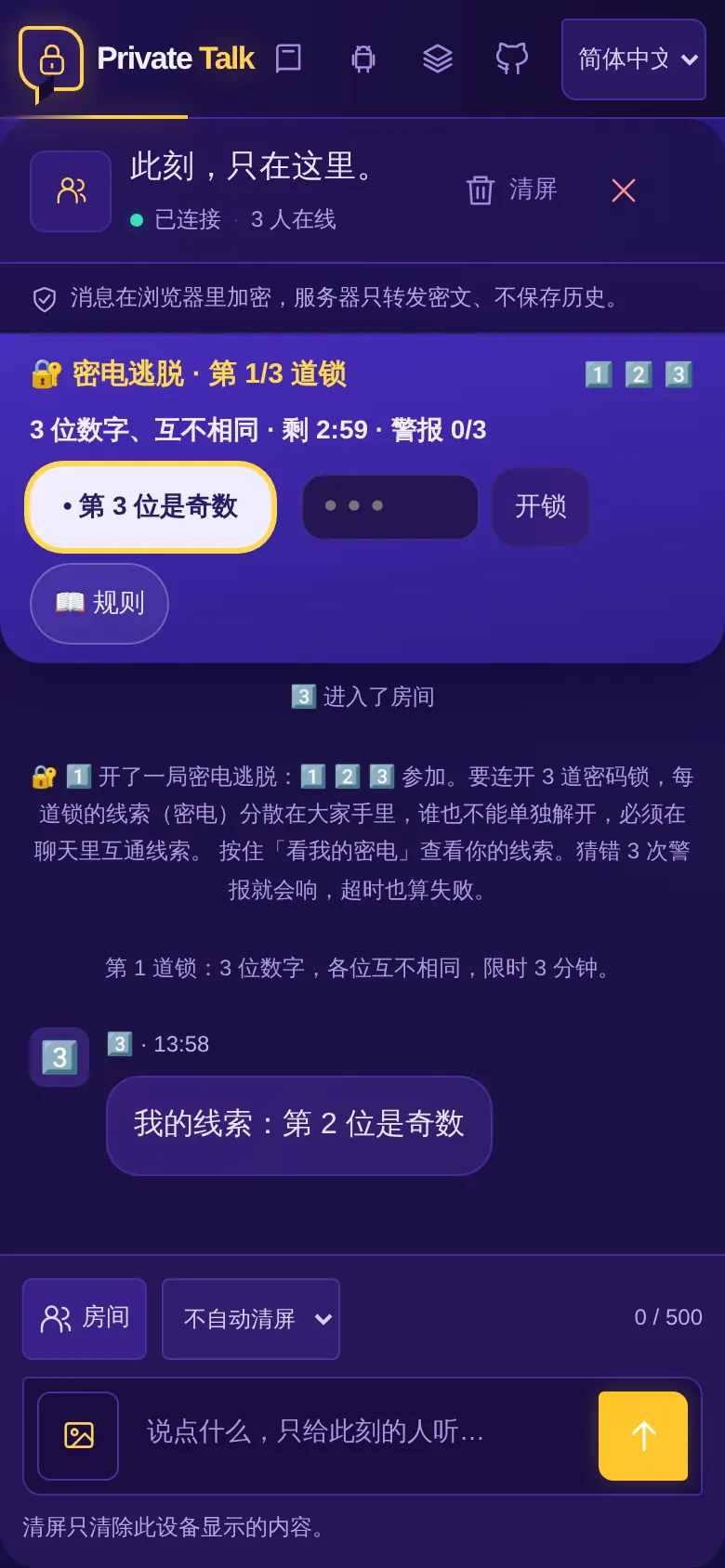
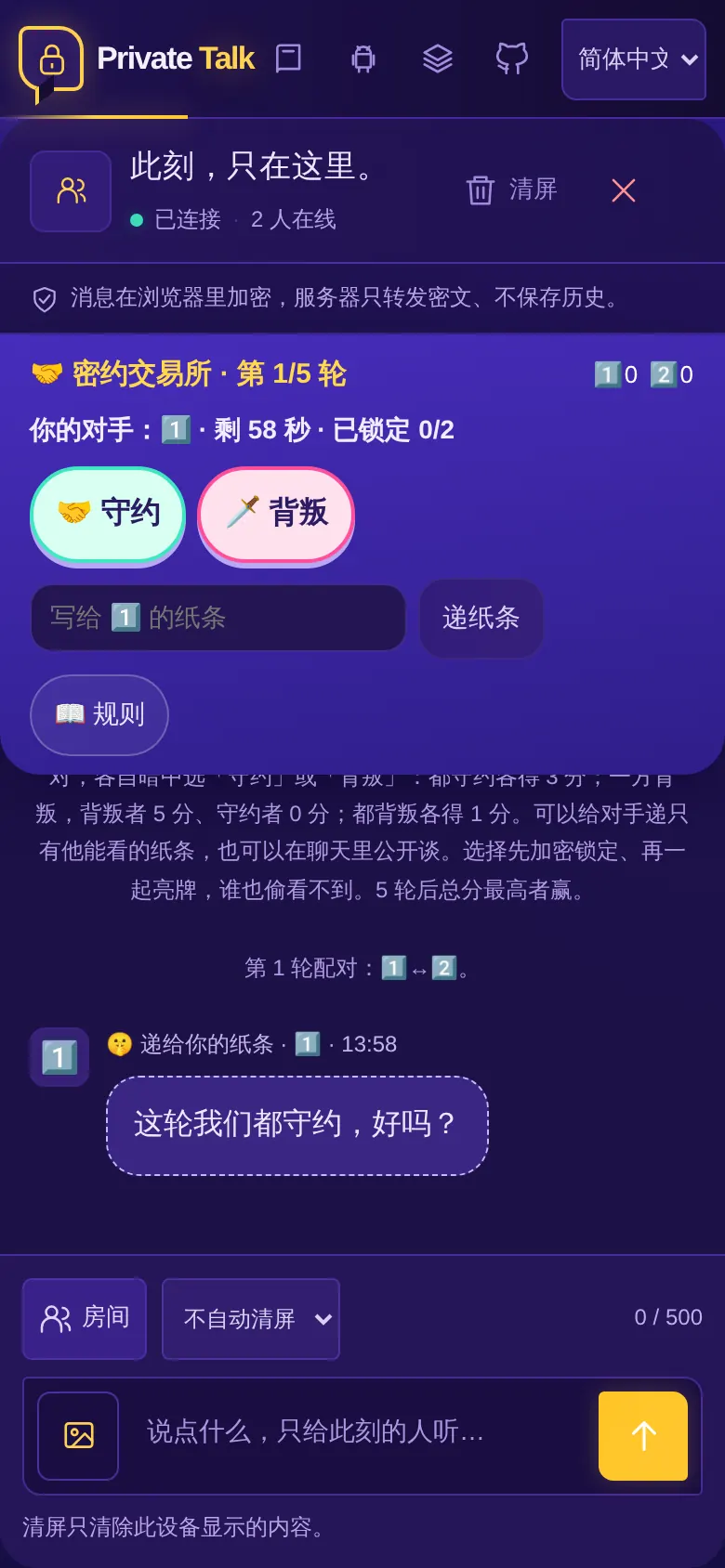
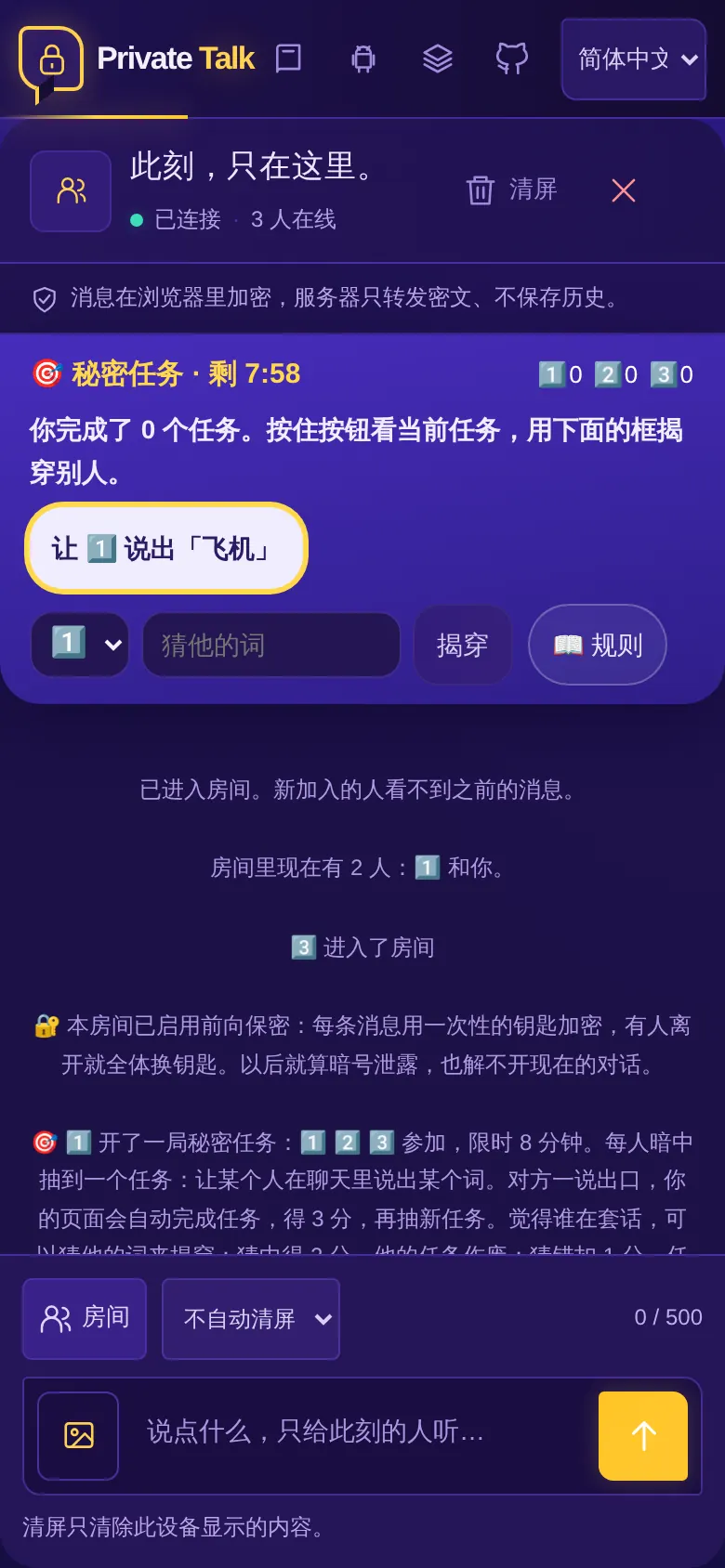
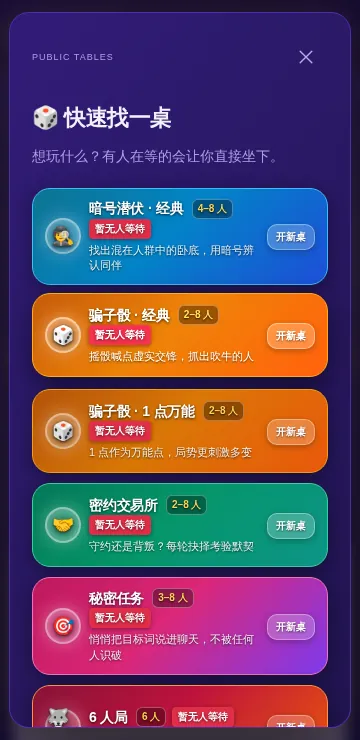
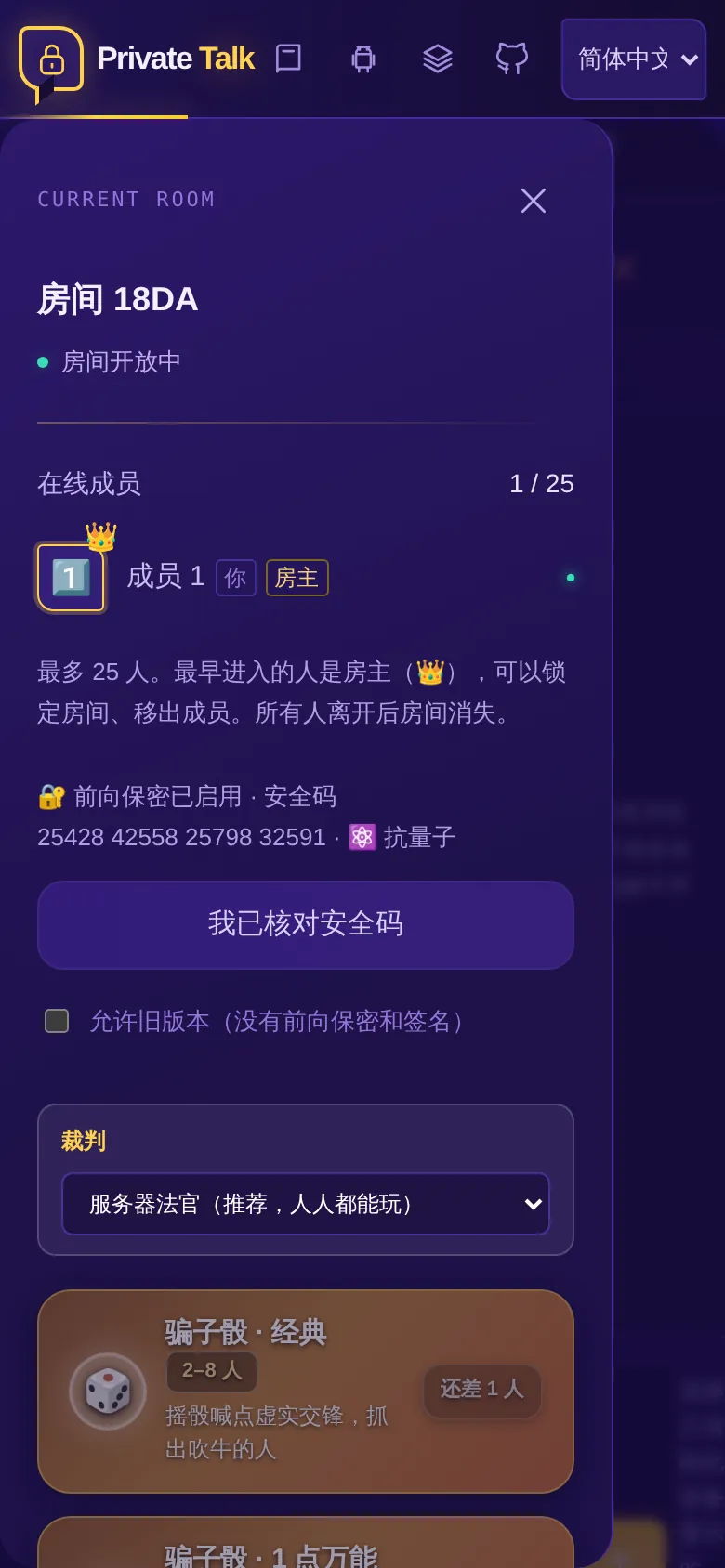
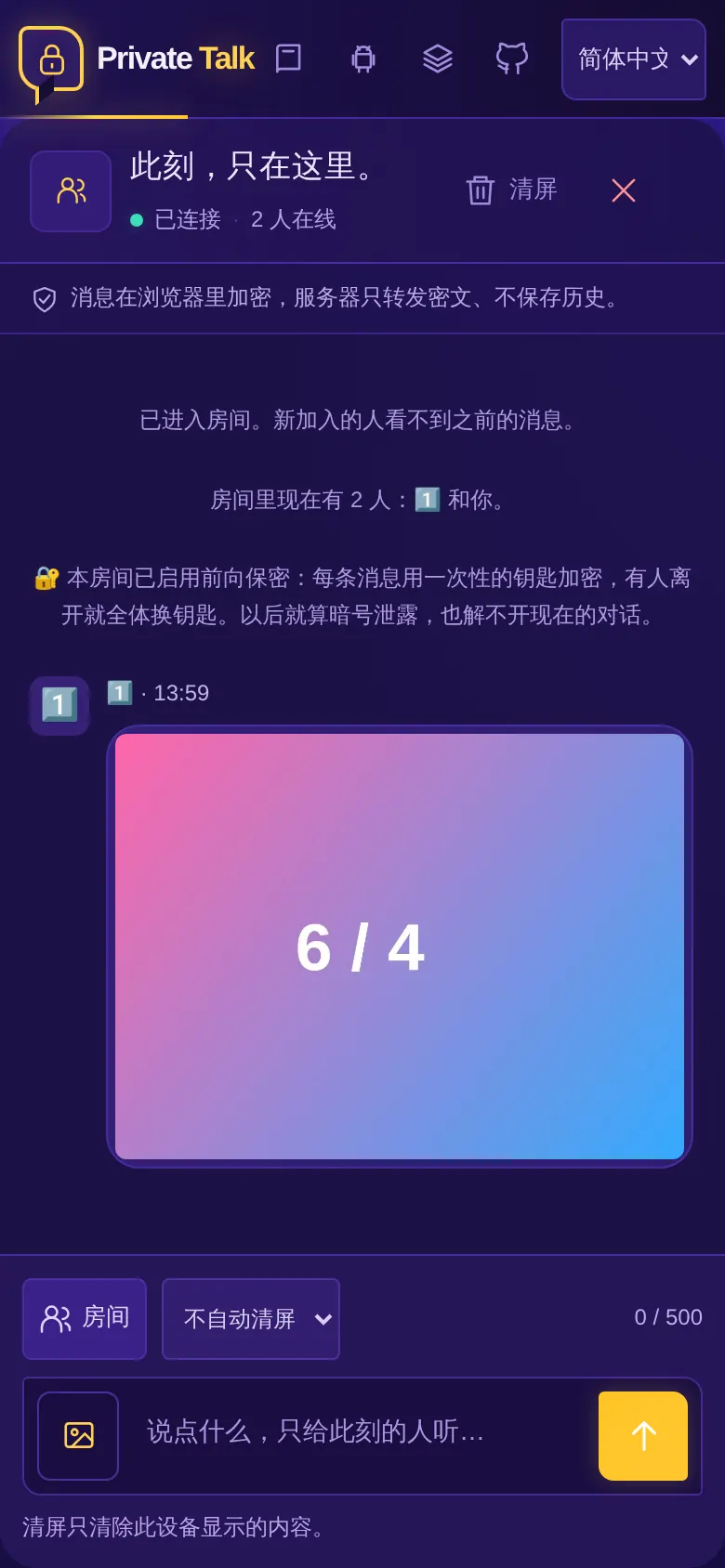
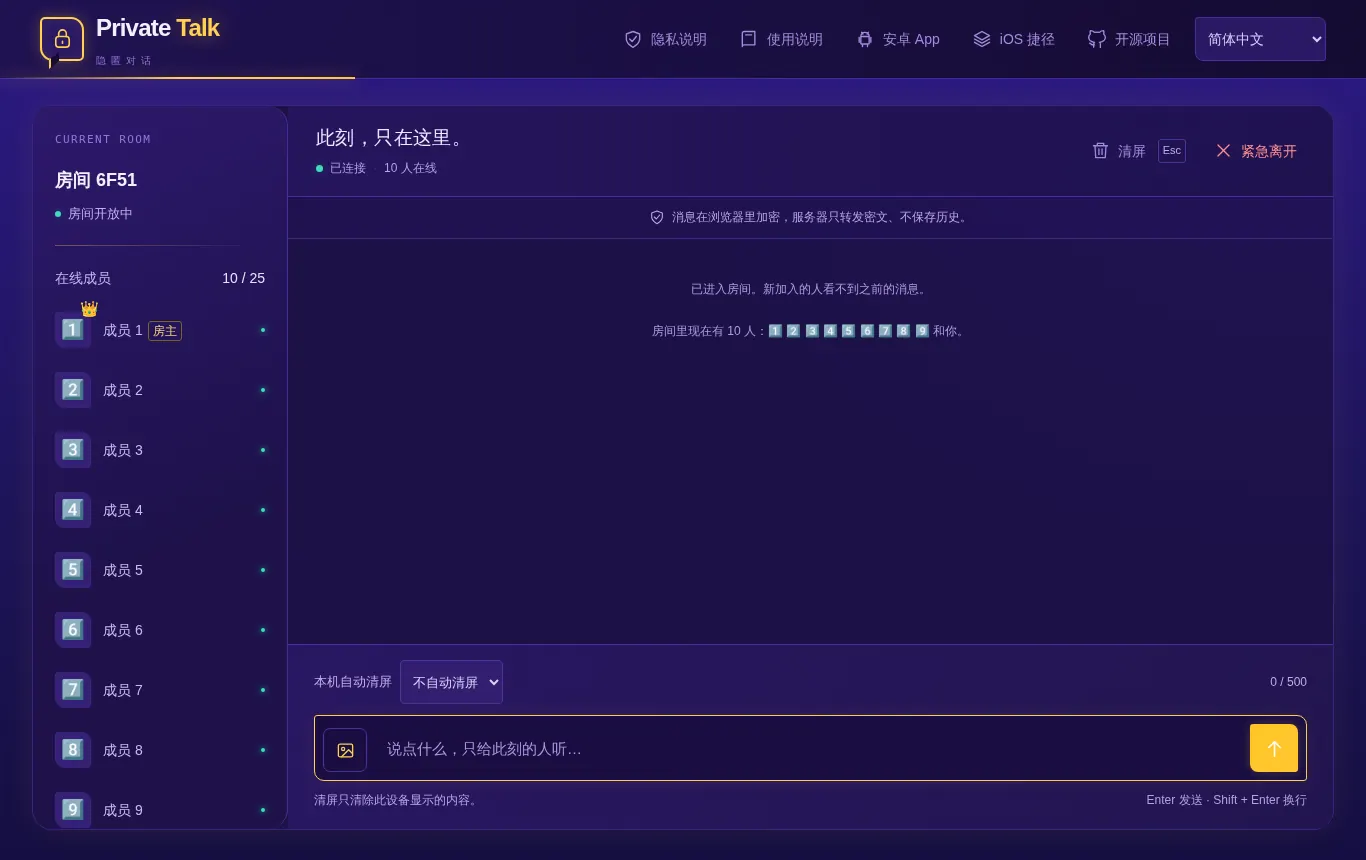
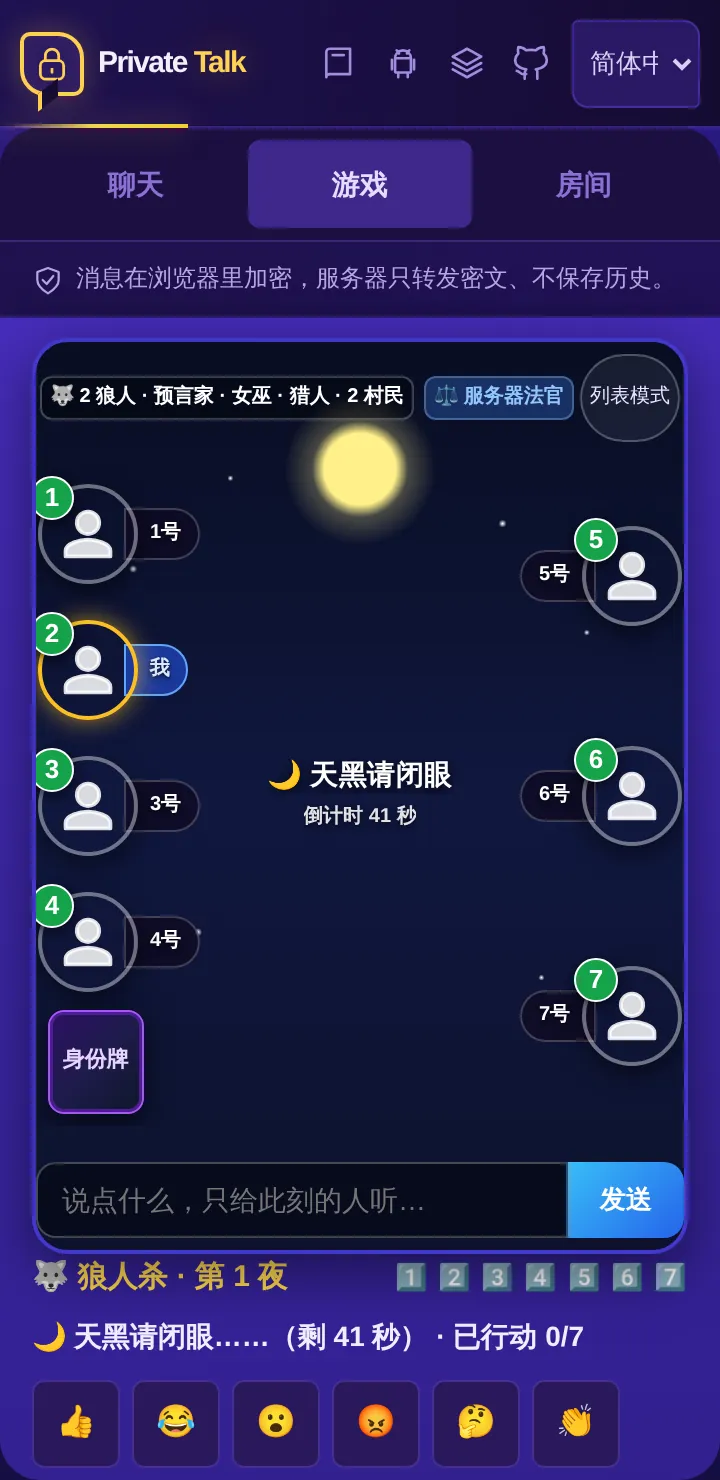
More than just chat: rooms double as party game tables: the program or the server is the judge, so everyone plays. Click any image for full size.

Downloads & Clients

Downloads & Offline Packages

Current release: v2.23.0. Works without installation directly in any modern browser, or download packages for offline usage.

Apple iOS / iPadOS

iOS Shortcut "Private Talk"

Apple Shortcuts · No App Needed

Add directly to iPhone or iPad Shortcuts to open a private room from your home screen in one tap.

Android Online

Android Online APK

0.9 MB · Website Built-in · Instant

Lightweight Android application with the web page built in, so it is not downloaded from the server each time; chats still go through the online server.

Android Offline

Android Offline APK

58 MB · arm64 · Hotspot Server

Complete standalone server for Android. Turn on your mobile Wi-Fi hotspot, and your phone becomes an offline chat relay for nearby friends.

Desktop & Server

Standalone Offline Bundles

Windows · macOS · Linux

Bundled with Node.js runtime. Extract to a USB drive and execute start-lan for air-gapped secure local communications with auto-generated HTTPS.

Container

Docker Deployment

ghcr.io / Docker Compose

Standard Docker container images and Caddy-enabled reverse proxy compose setups for VPS, home servers, and local NAS appliances.

Open Source

Full Source Code

MIT Licensed · Auditable

No telemetry, no tracking, completely open and verifiable. You are free to run, audit, modify, and redistribute.

Self-Hosting Guide

Run Your Own Server

Under the MIT License, anyone may host their own instance for free without asking permission. Choose the best method for your setup:

Recommended · Zero Cost

Cloudflare One-Click

Deploy on Cloudflare's free tier Workers and Durable Objects in minutes. No physical server or maintenance required.

Read Cloudflare Guide →
Recommended · Full Control

VPS with Docker

Use your own VPS and domain: run ./pt setup your.domain for automatic HTTPS certificates, upgrades, and one-command rollback.

Read VPS Guide →
Containerized · Clean

Docker Compose

Deploy the official pre-built container image with isolated runtime and automatic HTTPS reverse proxy via Caddy.

Read Docker Guide →
Air-gapped · Events

Offline LAN Mode

For events, workshops, or completely disconnected networks. Run start-lan from the bundle with its own self-signed HTTPS certificate.

Read LAN Guide →
Enterprise · Internal

Enterprise Intranet

Isolated enterprise networks with zero internet access, with no internet dependency; run a single instance, updates are trial-run first and can be rolled back.

Read Enterprise Guide →
Mobile Only · Hotspot

Android Phone Hotspot

Host the entire chat server from an Android smartphone via Termux or the offline APK; everyone nearby connects over Wi-Fi.

Read Android Guide →
Cryptographic Verification

Cryptographic Verification

Anyone can verify that the running web page and release packages have not been tampered with.

🔍 Web Manifest Verification

Each deployed site serves a signed integrity manifest (dist/integrity.json). You can verify any running instance against its cryptographic release signature:

node scripts/verify-site.mjs https://chat.freedom8964.com

Script source: scripts/verify-site.mjs.

✍️ Package Signatures & Hashes

Every offline and Docker package in a release comes with SHA-256 checksums and a signature by the release key (public key: server/release-key.pem); the updater refuses a package whose signature does not match. Android APK checksums are on their release pages.

# Check release hashes and signatures
https://github.com/Freecode100Year/private-talk/releases

View releases: GitHub Releases Page.